To turn off traction control on a Ford F-150, start the engine, locate the button showing a vehicle with two wavy skid lines, and press it once. Confirm the yellow traction-control-off indicator or message in the instrument cluster. A long press may change AdvanceTrac behavior on some years, but it does not universally disable every stability function.
Key Facts / At a Glance
A single press normally disables the F-150’s traction-control intervention while retaining other AdvanceTrac and ABS functions.
Ford F-150 button locations vary by generation, trim, cab configuration, and whether the truck has a center touchscreen control.
A steady yellow skidding-car icon usually indicates a selected traction-control reduction; a flashing icon usually indicates active intervention.
Sport mode and complete Electronic Stability Control deactivation are model-dependent features, not universal double-tap or long-press commands.
Turning the ignition off commonly restores the default safety settings, but the owner’s manual for the specific truck controls the final answer.
Ford recommends keeping AdvanceTrac active during normal road driving, especially on wet pavement, ice, and emergency maneuvers.
How to Turn Off Traction Control on Ford F-150
The basic F-150 traction-control override takes about 5-10 seconds and requires no tools. Use it only when wheel spin is helping the truck move, such as when a tire is packed with snow or the tread must clear mud; restore the system as soon as the truck reaches firm traction.
Before You Start
| Item | Typical requirement | Why it matters |
|---|---|---|
| Time | 5-10 seconds | The button command and confirmation are nearly immediate |
| Cost | $0 | Factory controls require no parts or software |
| Tools | None | Do not pull fuses or unplug wheel-speed sensors |
| Vehicle state | Engine running, parked or moving slowly | A stationary truck makes confirmation easier |
| Verification | Yellow indicator or cluster message | The dash confirms the selected state |
| Reference | Correct model-year owner’s manual | Features vary between generations and trims |
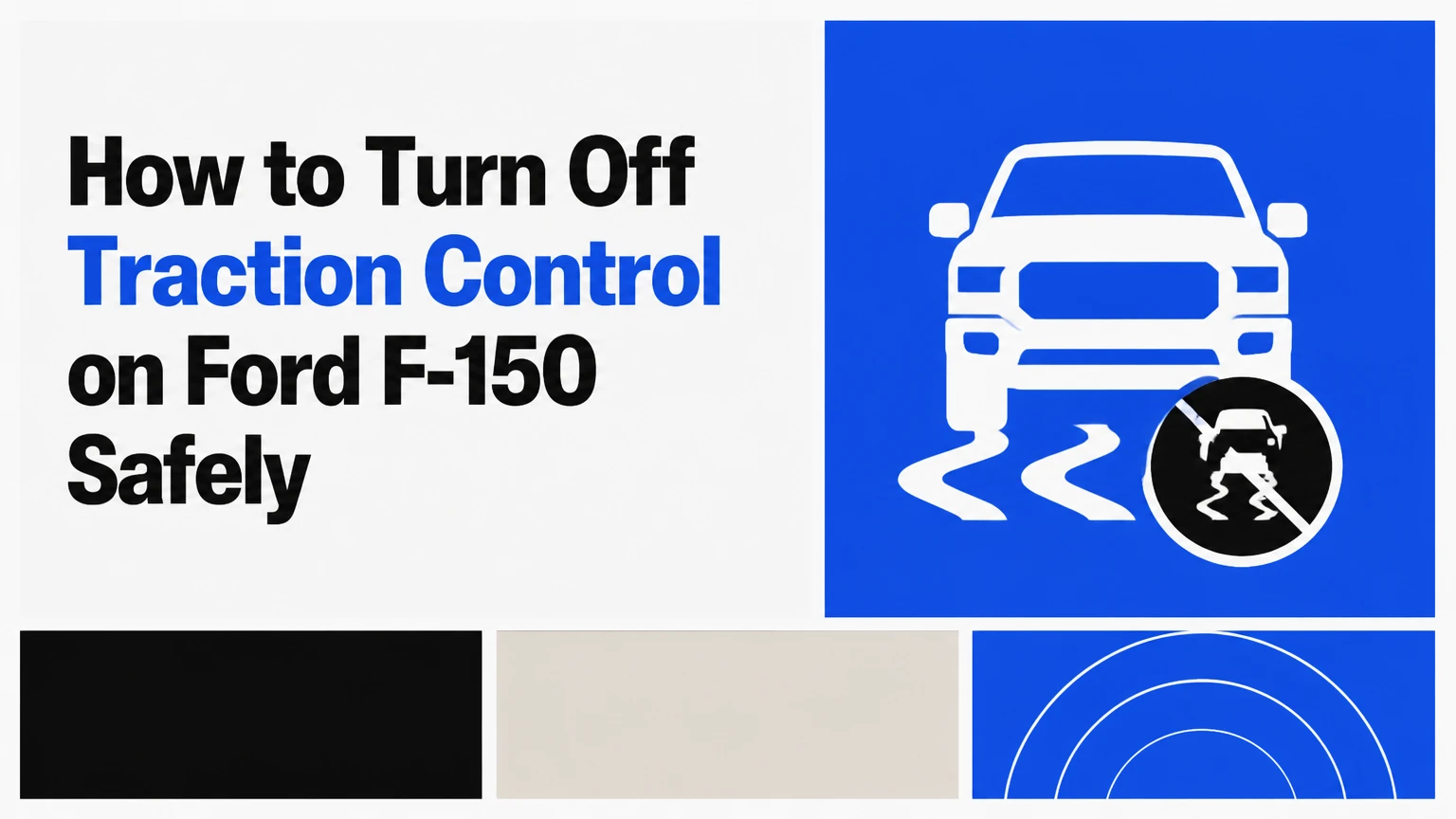
Ford places the control in different locations. Check the lower dashboard, center stack, console near the gear selector, or the touchscreen’s vehicle settings menu. The symbol is normally a car with two curved skid lines beneath it, although some trucks use a button labeled Traction Control.
The F-150 owner’s manual is the controlling source for the exact command. Search Ford’s owner-manual portal by model year and vehicle identification number, because a 2014 F-150, a 2021 F-150, and an F-150 Lightning can use different menus and AdvanceTrac logic.
Step 1: Park Safely and Identify the Control
Place the F-150 in Park when practical, apply the parking brake, and locate the traction-control switch before entering mud, sand, or snow. If the truck is already stuck, keep the steering wheels as straight as possible and avoid searching through menus while the vehicle is moving.
You will know you found the correct control when the button symbol matches the sliding-car icon and the instrument cluster reacts after a short press. Some configurations display the setting in the center screen instead of using a clearly labeled physical switch.
Common mistake: confusing the traction-control button with the hazard switch, drive-mode control, or 4WD selector. The 4WD control changes drivetrain torque delivery; it does not directly equal traction-control deactivation.
Step 2: Press the Button Once
Press and release the traction-control button once. The F-150 should display a message such as Traction Control Off, or illuminate a yellow skidding-vehicle symbol in the instrument cluster, depending on the model year and cluster design.
A single press generally reduces engine-torque intervention and drive-wheel braking intended to stop wheel spin. AdvanceTrac Electronic Stability Control normally remains available, so the truck can still intervene if its sensors detect a yaw or directional-control problem.
Success checkpoint: the display confirms the changed traction-control state within approximately one second.
Common mistake: holding the button immediately because the truck still will not move. The truck may need a small, controlled amount of wheel rotation, lower tire pressure within the tire manufacturer’s limits, a straighter steering angle, or external recovery help rather than more electronic deactivation.
Step 3: Move With Controlled Wheel Spin
Select the appropriate gear, apply light throttle, and allow only the wheel speed needed to clear the obstruction. Keep the steering nearly straight, avoid abrupt throttle changes, and stop if the tires dig deeper or the truck begins moving sideways.
Traction-control reduction is useful for escaping a shallow rut, loose gravel, packed snow, or mud that causes the system to cut power too aggressively. It does not create grip. A spinning tire can generate heat, damage the tire, and excavate a deeper hole within seconds.
Success checkpoint: the F-150 climbs onto firm ground without sustained high wheel speed or lateral movement.
Common mistake: continuing to accelerate after the truck starts moving. Release the throttle, allow the suspension to settle, and press the button again to restore the normal setting.
Step 4: Restore the Factory Setting
Press the traction-control button again, select the normal drive mode, or cycle the ignition if the owner’s manual identifies ignition reset as the restoration method. Confirm that the traction-control-off message or indicator disappears.
Many F-150 configurations return to their default electronic stability settings after the ignition is switched off and back on. Drivers should still verify the dash every time, because persistent indicators can represent a fault rather than a deliberate override.
Success checkpoint: no traction-control-off message remains, and the vehicle does not display a service warning.
Common mistake: assuming the system is restored because the truck restarted. The correct confirmation is the instrument cluster, not memory of the previous button state.
What the F-150 System Actually Controls
Ford AdvanceTrac combines traction control, Electronic Stability Control, roll-stability logic, and related brake and powertrain controls. Ford describes AdvanceTrac ESC as a system that helps drivers maintain vehicle control when road conditions become slippery, while the owner’s manual explains the specific warning messages and switch behavior for each truck.
How Does Traction Control Detect Wheel Spin?
The F-150 uses wheel-speed sensors to compare the rotational speed of the driven wheels with vehicle speed and with the other wheels. The ABS control module can request individual brake pressure, while the powertrain control module can reduce torque through throttle management, ignition timing, or related engine controls.
Electronic Stability Control adds steering-angle, yaw-rate, and lateral-acceleration information. If the truck’s actual path differs from the driver’s steering input, AdvanceTrac can brake individual wheels and reduce power even when the driver did not deliberately select traction control off.
That distinction matters in recovery. A single traction-control press generally reduces wheel-spin intervention, but it does not mean the truck has lost every directional-control safeguard.
What Remains Active After One Press?
| Function | Typical status after one press | Primary input | Driver implication |
|---|---|---|---|
| Basic traction intervention | Reduced or disabled | Wheel-speed difference | More wheel spin may occur |
| ABS | Active | Wheel lock during braking | Hard braking remains electronically controlled |
| ESC | Usually active | Yaw, steering angle, lateral acceleration | Stability correction may still reduce power |
| Roll Stability Control | Usually active when equipped | Rollover-related motion data | The truck can still intervene |
| Trailer sway control | Model-dependent | Truck and trailer motion | Check the manual before towing |
| 4WD system | Unchanged | Transfer-case selector or drive mode | Button does not select 4H or 4L |
The phrase traction control off therefore describes a partial operating change, not a complete removal of electronic assistance. Ford’s manual for the specific F-150 determines which related functions remain active.
Can You Turn Off AdvanceTrac Completely?
A long press can disable or reduce additional AdvanceTrac functions on some F-150 model years, but Ford does not use one universal 5-second rule across every generation, drivetrain, trim, and software version. Use the owner’s manual or the displayed confirmation rather than assuming a long press means ESC is fully off.
Hold the traction-control switch only when the truck is stopped and the manual explicitly supports that operation. Some F-150s display AdvanceTrac Off, Stability Control Off, or a comparable message. Other versions provide only a traction-control reduction and do not offer a complete ESC override through the button.
Do not infer the state from tire spin alone. The truck can spin a tire while directional stability control remains active, and some systems can reapply intervention when speed, yaw, or operating conditions exceed their permitted range.
Does Double-Tapping Enter Sport Mode?
Double-tapping the traction-control switch is not a universal F-150 Sport-mode command. Sport mode, where available, is generally selected through the truck’s drive-mode control or touchscreen, and its availability depends on model year, engine, drivetrain, and trim.
Sport mode usually changes throttle response, transmission shift behavior, steering calibration, or stability-control thresholds. It does not automatically mean that all traction and stability functions are disabled. Read the drive-mode description on the instrument cluster before using it on loose surfaces.
Which Setting Should You Use?
The correct setting depends on whether the problem is insufficient forward movement, deliberate off-road wheel spin, or a system fault. Normal road travel calls for the factory setting, while a short traction-control reduction can help during a recovery attempt.
| Driving situation | Recommended setting | Typical drivetrain choice | Main reason |
|---|---|---|---|
| Wet highway or icy pavement | Traction control on | 2H or automatic 4A if equipped | Preserve directional stability |
| Packed snow at low speed | One press, if bogging | 4H or 4A | Permit limited tread clearing |
| Deep sand | Terrain mode or manual setting | 4H, sometimes 4L | Maintain momentum without repeated power cuts |
| Rocky low-speed trail | Normal system unless manual says otherwise | 4L | Low-range control matters more than wheel spin |
| Trailer on a public road | Factory setting | 4H or 4A as conditions require | Retain stability and trailer-sway functions |
| Vehicle recovery with a winch | Follow recovery plan | Neutral or specified transfer-case position | Electronics cannot replace rated equipment |
Snow and Ice
Keep traction control enabled for ordinary acceleration on ice. If the F-150 is immobilized in deep, loose snow and the system repeatedly cuts power, press the button once, straighten the wheels, and use gentle throttle. Turn the system back on when the tires reach a cleared or compacted surface.
The safest improvement is often tire and technique, not deactivation. Winter-rated tires, reduced throttle, and a recovery shovel usually provide more predictable control than sustained wheel spin.
Mud and Loose Gravel
A brief override can help a tire shed mud and maintain momentum, but it cannot overcome a chassis resting on the ground. Lowering tire pressure may enlarge the contact patch, yet the correct pressure depends on the tire, load, speed, and manufacturer guidance.
Never drive quickly with trail pressure on pavement. Reinflating before road travel protects handling, tire structure, and fuel economy.
Sand and 4WD
Use the F-150’s sand or off-road drive mode when equipped, because the mode may coordinate transmission, throttle, four-wheel drive, and stability logic. Select 4H or 4L only according to the owner’s manual and surface conditions; low range is for controlled torque at low speed, not a universal solution for soft sand.
Momentum should remain moderate and consistent. High wheel speed creates heat and digs holes faster than the truck can escape them.
Towing
Keep traction control and AdvanceTrac enabled while towing on public roads unless Ford’s manual gives a specific exception. Trailer sway control and stability intervention can be valuable when crosswinds, lane changes, or uneven pavement disturb the combination.
A traction-control-off setting does not improve a trailer’s weight distribution, tongue weight, tire condition, or brake adjustment. Correct those mechanical factors first.
What Changes After Deactivation?
A selected traction-control override usually permits more driven-wheel rotation and may allow the engine to deliver more torque before intervention. The change can improve extraction from loose material, but it also increases the chance of fishtailing, drivetrain shock, tire damage, and loss of control.
| State | Driver-visible confirmation | Wheel-spin intervention | Stability protection | Best application |
|---|---|---|---|---|
| Normal | No off message | Full factory logic | Full available logic | Road driving and towing |
| Traction control reduced | Yellow icon or text | Reduced drive-wheel control | Usually retained | Short low-speed extraction |
| Sport or terrain mode | Mode name on cluster | Calibrated by mode | Model-dependent | Loose surfaces or controlled trail use |
| AdvanceTrac reduced or off | Explicit cluster message | Further reduced | Reduced or unavailable | Closed-course or manual-approved use |
| Fault condition | Service warning | Unpredictable | Potentially unavailable | Diagnose before continued driving |
A flashing skidding-car symbol commonly means the system is actively intervening. A steady symbol or text message commonly indicates a selected reduction. A Service AdvanceTrac, ABS, or brake warning is different: it may indicate a sensor, wiring, steering-angle, ABS-module, or low-voltage problem.
Common Mistakes and How to Fix Them
Mistake 1: Treating Every F-150 as Identical
Model-year differences matter. A physical button, touchscreen menu, drive-mode selector, and instrument-cluster message can all represent different implementations.
Fix: identify the model year, engine, drivetrain, and trim, then confirm the procedure in Ford’s owner manual.
Mistake 2: Pulling a Fuse or Unplugging a Sensor
Removing an ABS fuse or wheel-speed sensor can disable more than traction control, including ABS and brake-related functions. It can also create fault codes, disable speed-related systems, and leave the truck unsafe for road use.
Fix: use only the factory switch or documented menu. Leave electrical bypasses to controlled diagnostic or competition settings.
Mistake 3: Using a Long Press While Moving Quickly
A long press may be ignored, limited, or interpreted differently while the truck is moving. Attempting the command during a slide adds distraction at the worst moment.
Fix: stop first, select Park when practical, and confirm the screen before proceeding.
Mistake 4: Calling a Fault an Override
A persistent AdvanceTrac warning is not proof that the system is successfully off. Ford’s diagnostic system may detect wheel-speed disagreement, steering-angle calibration errors, low battery voltage, damaged tone rings, or wiring faults.
Fix: scan the ABS and stability-control modules with a compatible diagnostic tool. A generic engine-code reader may not access those modules.
Mistake 5: Resetting the Warning With the Accelerator Pedal
Pressing the accelerator with the ignition on is not a reliable factory reset for a Service AdvanceTrac warning. An online pedal sequence should not replace diagnosis, and it can create additional risk if performed in an unsafe location.
Fix: inspect battery voltage, tire sizes, wheel sensors, steering alignment, and wiring, then obtain a professional scan when the warning remains.
Mistake 6: Assuming 4L Automatically Disables Everything
Four-low changes gearing and transfer-case operation. It does not necessarily switch every traction, stability, or roll-control function off.
Fix: treat 4L and traction-control settings as separate controls, and follow the transfer-case speed and surface requirements in the manual.
How Much Does Diagnosis or Repair Cost?
Using the factory traction-control button costs nothing. The following are typical independent-shop ranges in the United States, not Ford-published prices, and the final amount depends on labor rates, parts, corrosion, and model year.
| Service or repair | Typical parts cost | Typical labor time | Typical installed range |
|---|---|---|---|
| ABS or stability scan | $0-$50 | 0.25-0.75 hour | $40-$150 |
| Wheel-speed sensor replacement | $35-$180 | 0.5-1.5 hours | $120-$400 |
| Steering-angle calibration | $0-$80 | 0.5-1.0 hour | $80-$220 |
| ABS wiring or tone-ring repair | $30-$250 | 1-3 hours | $150-$700 |
| ABS hydraulic module replacement | $500-$1,800 | 2-6 hours | $900-$3,000 |
A warning that appears after a dead battery may clear after proper charging and a steering-angle relearn, but the warning should not be dismissed without checking stored codes. A warning accompanied by an ABS or red brake lamp requires greater caution.
When Should You Stop Driving?
Stop normal driving and arrange diagnosis when the F-150 shows a red brake warning, ABS warning, Service AdvanceTrac message that will not clear, inconsistent braking, a steering wheel that no longer centers, or a truck that pulls during braking. Do not test a suspected stability-system fault on public roads.
A temporary traction-control-off message after pressing the button is expected. A service warning, repeated loss of stability intervention, or multiple warning lamps is not an invitation to keep experimenting with button combinations.
Frequently Asked Questions
Will Turning Off Traction Control Make My F-150 Faster?
Turning off traction control can prevent the system from reducing engine torque during wheel spin, but it does not add engine power. Acceleration may improve on loose ground when intervention is excessive, while acceleration on wet pavement can become slower because the tires spin instead of transferring usable force.
Does Traction Control Off Disable ABS?
A normal traction-control-button press does not usually disable ABS. ABS controls wheel lock during braking, while traction control manages driven-wheel spin during acceleration. Ford’s exact remaining functions vary by model year and selected mode, so the owner’s manual and warning display provide the authoritative confirmation.
Why Does the Skidding-Car Light Flash on My F-150?
A flashing skidding-car indicator usually means AdvanceTrac or traction control is actively intervening. The system may be reducing engine torque or applying an individual brake because wheel speed, yaw, or vehicle direction does not match the driver’s inputs. A steady icon more often indicates a selected off or reduced state.
Can I Leave Traction Control Off All Winter?
You should not leave traction control off for ordinary winter driving. Keep it enabled on public roads, especially during braking, cornering, lane changes, and mixed ice conditions. Use a temporary override only at low speed when the truck is stuck and controlled wheel spin is helping extraction.
Why Does My F-150 Say Service AdvanceTrac?
A Service AdvanceTrac message indicates a detected fault or unavailable stability function, not necessarily a successful manual deactivation. Common causes include a wheel-speed sensor, damaged wiring, steering-angle calibration, low system voltage, mismatched tires, or an ABS-module issue. Scan the chassis modules before replacing parts.
Does a Newer F-150 Lightning Use the Same Procedure?
The F-150 Lightning uses Ford’s AdvanceTrac and traction-control concepts, but its button location, drive-mode behavior, and instrument messages can differ from gasoline and hybrid F-150 models. Use the Lightning owner manual for the vehicle identification number, and do not assume a gasoline-truck long-press procedure applies.
The Bottom Line
To turn off traction control on Ford F-150, press the marked traction-control button once and verify the yellow indicator or message before moving. Use the temporary reduction only for a specific low-speed recovery situation, keep ABS and stability functions in mind, and do not assume that double-tapping or holding the button fully disables AdvanceTrac on every model. Restore the factory setting immediately after the truck regains traction.